Keeping a PC powered on with an Arduino
Some background…
I needed an option to control a remote PC and WOL (Wake on Lan) just didn’t work well on this DELL PC.
Solution
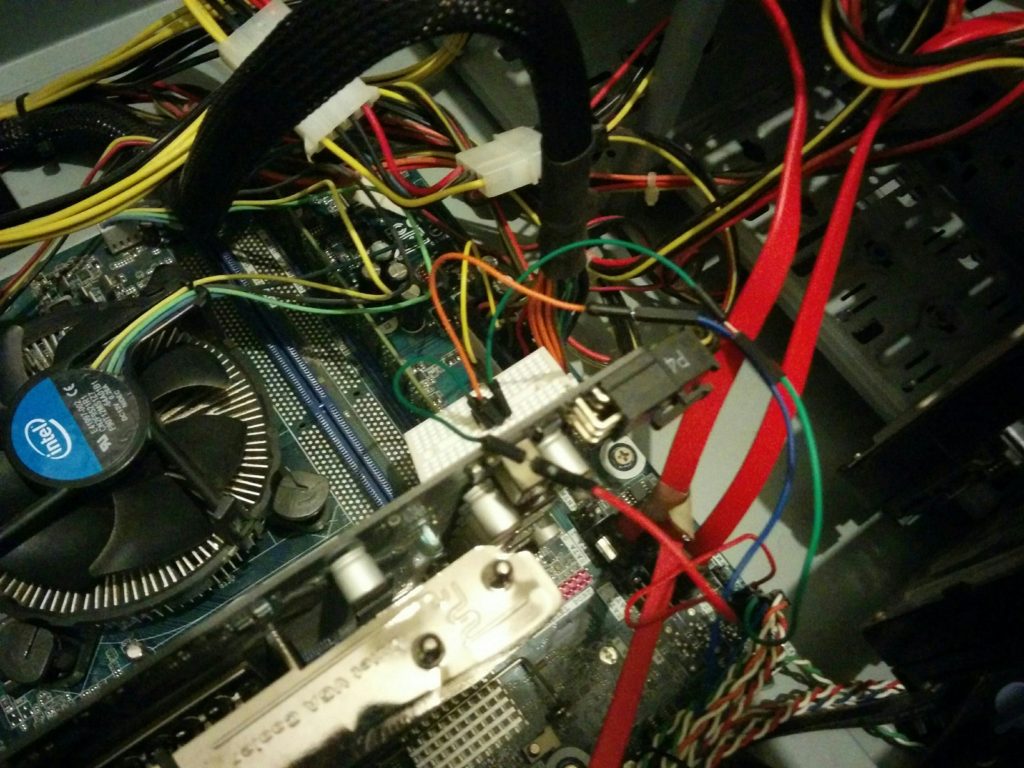
I made some thinking and started to put code on an Arduino Nano board.
The idea was sensing a pin for 5V, if it present the Arduino does nothing, if not the Arduino will ground the Power Switch positive pin.
And it worked!
The code:
/*
 * MIT License

Copyright (c) 2016 Ido Nassimi

Permission is hereby granted, free of charge, to any person obtaining a copy
of this software and associated documentation files (the "Software"), to deal
in the Software without restriction, including without limitation the rights
to use, copy, modify, merge, publish, distribute, sublicense, and/or sell
copies of the Software, and to permit persons to whom the Software is
furnished to do so, subject to the following conditions:

The above copyright notice and this permission notice shall be included in all
copies or substantial portions of the Software.

THE SOFTWARE IS PROVIDED "AS IS", WITHOUT WARRANTY OF ANY KIND, EXPRESS OR
IMPLIED, INCLUDING BUT NOT LIMITED TO THE WARRANTIES OF MERCHANTABILITY,
FITNESS FOR A PARTICULAR PURPOSE AND NONINFRINGEMENT. IN NO EVENT SHALL THE
AUTHORS OR COPYRIGHT HOLDERS BE LIABLE FOR ANY CLAIM, DAMAGES OR OTHER
LIABILITY, WHETHER IN AN ACTION OF CONTRACT, TORT OR OTHERWISE, ARISING FROM,
OUT OF OR IN CONNECTION WITH THE SOFTWARE OR THE USE OR OTHER DEALINGS IN THE
SOFTWARE.

 */
//Connect pin 7 to a 5V pin on the motherboard.
//Connect pin 8 to the positive pin of the power switch.
//Connect a ground pin to the other pin of the power switch.

const int VoltPin = 7; // Connect to a pin that should have 5V when powering the PC
const int PWPin = 8; // Connect to the power switch (one should be ground, you have to connect to the other one)


void setup() {
  // Initialize the switch pin as an output and the 5V as input:
  pinMode(PWPin, OUTPUT);
  pinMode(VoltPin, INPUT);
  digitalWrite(PWPin, HIGH);
}

void loop() {
  //If the 5V isn't present on the pin, ground the power switch for 500ms:
   if (digitalRead(VoltPin)== LOW) {
      digitalWrite(PWPin, LOW);
      delay(500);
      digitalWrite(PWPin, HIGH);

  } else {digitalWrite(PWPin, HIGH);
  }
}
ATTiny85
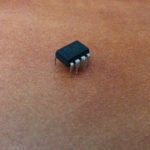
After a successful test with the Arduino Nano, I thought that ATTiny85 could do the same for a smaller package.
And of course, it did.
You can find the code for the Nano and the ATTiny85 on the Github page: https://github.com/ido1990/ArduinoWakeUpPC/
73!